| System | Guide |
|---|
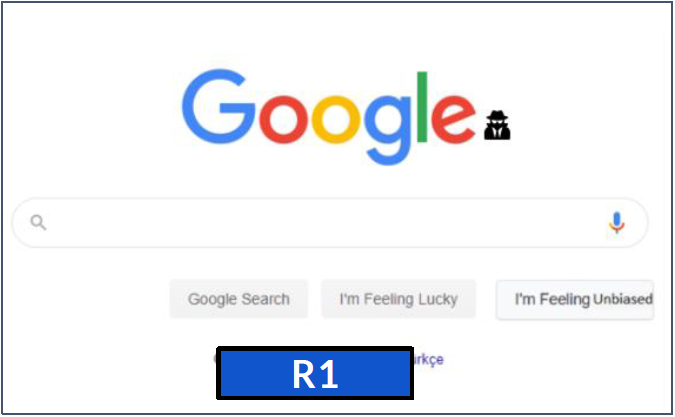
Rerank 1 (R1)
|
- View prototype: System R1
- Type “coronavirus”.
- When the autocomplete opens, click on "I'm Feeling Unbiased". This feature will re-rank the results so that the most unbiased results are shown on top.
- Go to the “News” pages to see the results.
|
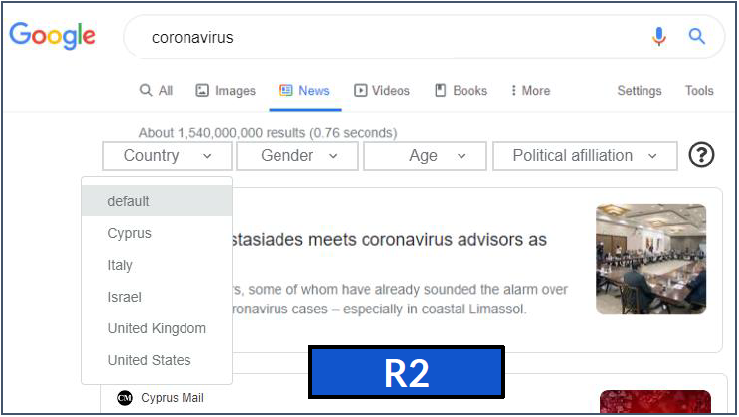
Rerank 2 (R2)
 |
- View prototype: System R2
- Type “coronavirus” and press enter/click to “coronavirus” from the autocomplete suggestions.
- Go to the “News” pages.
- Click on the “question icon” and get more information about how this feature works.
- Click on the dropdown menu for “Country” and choose the country you want. The results will be modified based on your preference. (Only the "country" option is working in the prototype.)
|
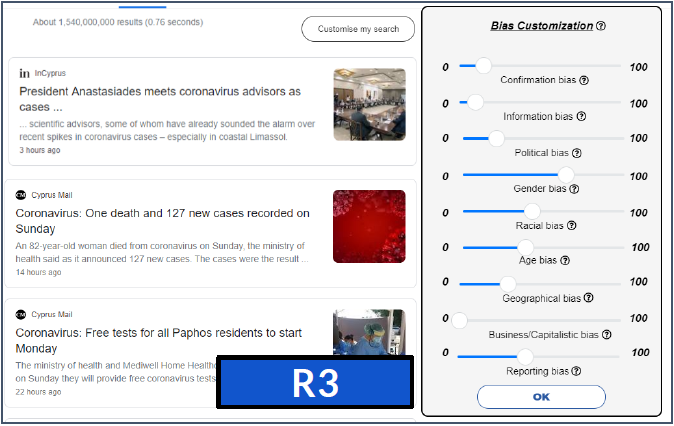
Rerank 3 (R3)
 |
- View prototype: System R3
- Type “coronavirus” and press enter/click to “coronavirus” from the autocomplete suggestions.
- Go to the “News” pages.
- Click on the “Customise my search” button.
- Click on the “question icon” and get more information about how this feature works.
- Click on the “question icon” next to each bias and get more information about a particular bias.
- Increase the “Political bias”, “Gender bias” and “Age bias” sliders and click OK to get your customised results.
|
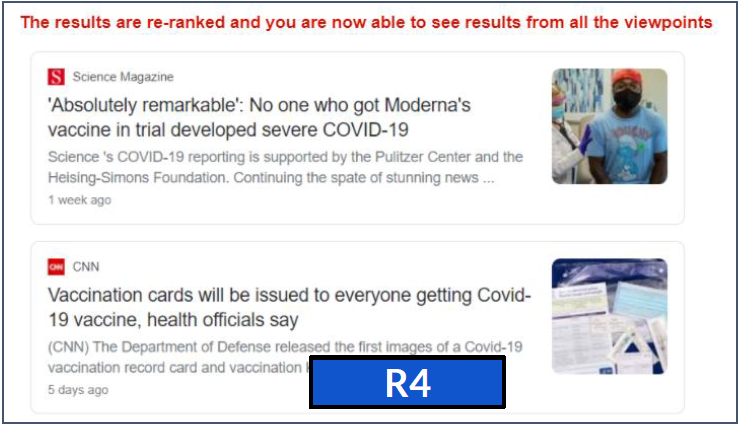
Rerank 4 (R4)
 |
- View prototype: System R4
- Type “vaccine covid 19” and press enter/click to “vaccine covid 19” from the autocomplete suggestions.
- Go to the “News” pages.
- This shows the re-ranked results which ensured that all the viewpoints are shown in the top results. E.g., "vaccine is remarkable" (result 1) and "vaccine is not enough to end the epidemic" (result 5, which is an opposite viewpoint).
|
If you have any questions, please contact Monica Paramita (m.paramita@sheffield.ac.uk) or Frank Hopfgartner (f.hopfgartner@sheffield.ac.uk).